
Download CS 1.6 Non-Steam Client for PC
Looking to download CS 1.6 without ads, malware, or server redirects? At CS16GET.TOP, we provide a clean, standalone Counter-Strike 1.6 non-Steam installer designed to launch in under two minutes on modern PC systems.
Counter-Strike 1.6 defined modern FPS gaming. Our setup retains authentic GoldSrc engine physics, sharp movement mechanics, and precise recoil recovery while fixing modern display bugs on Windows 10 and Windows 11.
- Original Classic Content: Includes iconic maps (de_dust2, de_inferno, de_nuke, de_train, cs_office) with default weapons, sounds, and models.
- Protocol 47 & 48 Dual Core: Connect seamlessly to legacy builds as well as current ReHLDS community servers worldwide.
- Working Server Browser: Embedded MasterServer automatically populates the Find Servers tab with active multiplayer games.
- Offline Bot Practice: Practice spray control offline using customizable PodBots/zBots without needing internet access.
How to Download & Install CS 1.6 on Windows
Follow these easy steps to download and install Counter-Strike 1.6 on your PC safely:
- Click the Download CS 1.6 Setup button above to save the installer file.
- Run the setup executable file. If Windows SmartScreen appears, click More Info → Run Anyway.
- Select an installation folder path, such as
C:\Games\Counter-Strike 1.6(avoid installation in Program Files to prevent administrative permission errors). - Click Next, allow file extraction to finish, and launch the game via your desktop icon.
- Go to Options → Video, set the Renderer to OpenGL, and select your monitor's native screen resolution.
CS 1.6 High FPS & 144Hz / 240Hz Display Optimization
When you download CS 1.6, the engine is capped at 100 FPS by default. If you use a 144Hz, 240Hz, or 360Hz monitor, unlocking frame limits reduces input latency and makes crosshair tracking butter-smooth.
Recommended FPS Uncap Console Commands:
Press the ~ key in-game to open the developer console and enter:
fps_override 1
fps_max 240
developer 1
gl_vsync 0
m_rawinput 1
Graphics Driver Settings:
- Disable Vertical Sync: Turn V-Sync OFF in NVIDIA Control Panel or AMD Radeon Software for
hl.exe. - Low Latency Mode: Set Latency Mode to Ultra to minimize rendering delay.
Optimal Network Rates for Lag-Free Online Play
Applying optimal rate settings ensures clean hit registration and prevents choke or loss during intense firefights on multiplayer servers.
| Console Command | Default Value | Optimized Value | Function |
|---|---|---|---|
| rate | 20000 | 100000 | Allocates max data rate bandwidth. |
| cl_cmdrate | 30 | 101 | Command packets sent to server/sec. |
| cl_updaterate | 20 | 101 | World updates requested from server/sec. |
| ex_interp | 0.1 | 0.01 | Aligns hitbox interpolation delay. |
rate 100000
cl_cmdrate 101
cl_updaterate 101
ex_interp 0.01
net_graph 3
Popular Counter-Strike 1.6 Download Editions
Explore different CS 1.6 client packages tailored for specific tastes:
CS 1.6 Original Download
100% clean classic 2003 Valve setup with default skins, maps, and stock audio configs.
CS 1.6 NextClient Setup
Updated client build featuring enhanced security protection and high FPS uncap options.
CS 1.6 CS:GO Edition
Modified version with modern CS:GO weapon skins, player models, and updated buy menu UI.
CS 1.6 Low Size Download
Compact setup under 160MB designed for rapid downloading on limited internet plans.
CS 1.6 Non-Steam v43
Stable classic build with maximum compatibility across custom server AMX plugins.
CS 1.6 XTCS Final Release
Enhanced edition featuring HD textures, upgraded weapon models, and refreshed sound effects.
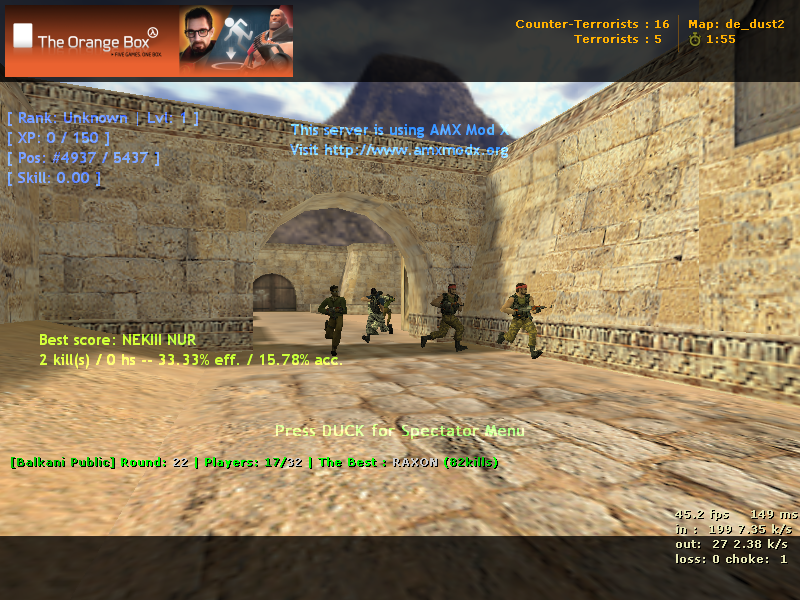
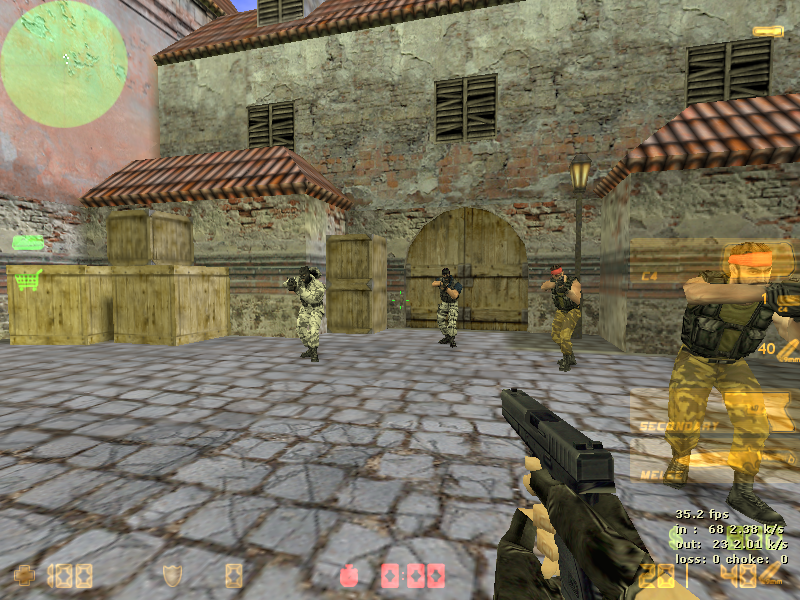
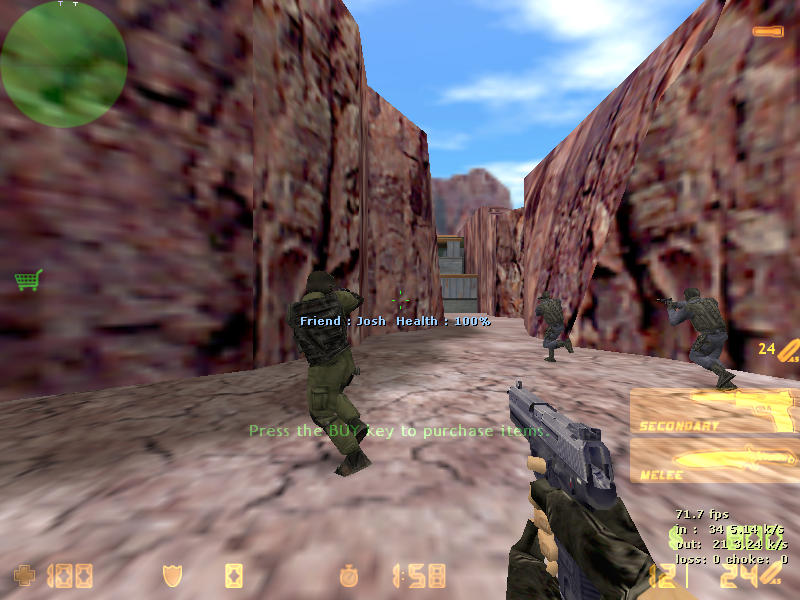
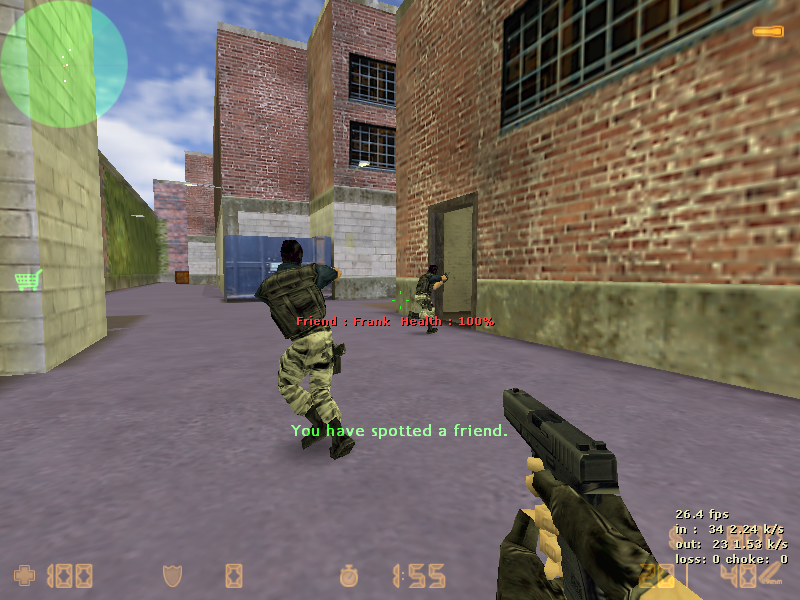
CS 1.6 Gameplay Screenshots
In-game preview from classic maps and custom community server modes:
CS 1.6 PC System Requirements
Counter-Strike 1.6 is extremely lightweight and runs on almost any computer or laptop:
| Hardware Component | Minimum Requirement | Recommended Spec |
|---|---|---|
| OS | Windows XP / Vista | Windows 10 / 11 (64-bit) |
| CPU | 800 MHz Intel / AMD | 1.6 GHz or faster |
| RAM | 256 MB RAM | 1 GB RAM |
| GPU | 32 MB VRAM, DirectX 8 | 128 MB+ OpenGL 2.1 |
| Disk Space | 600 MB free space | 1.5 GB free space |
Download CS 1.6 FAQ
Is this CS 1.6 download free?
Yes. The standalone non-Steam setup available on CS16GET.TOP is completely free to download and play on your PC.
Does CS 1.6 work on Windows 11?
Yes. If you encounter a black screen on startup, go to Options → Video and switch the renderer mode to OpenGL.
Is my game protected against server binds & redirects?
Yes. Our installers lock core configuration files to write-protected status to prevent malicious servers from modifying your keys or server browser.
Can I play CS 1.6 offline with bots?
Yes. Computer bots are built into the setup so you can play offline single-player matches anytime.